 a store.
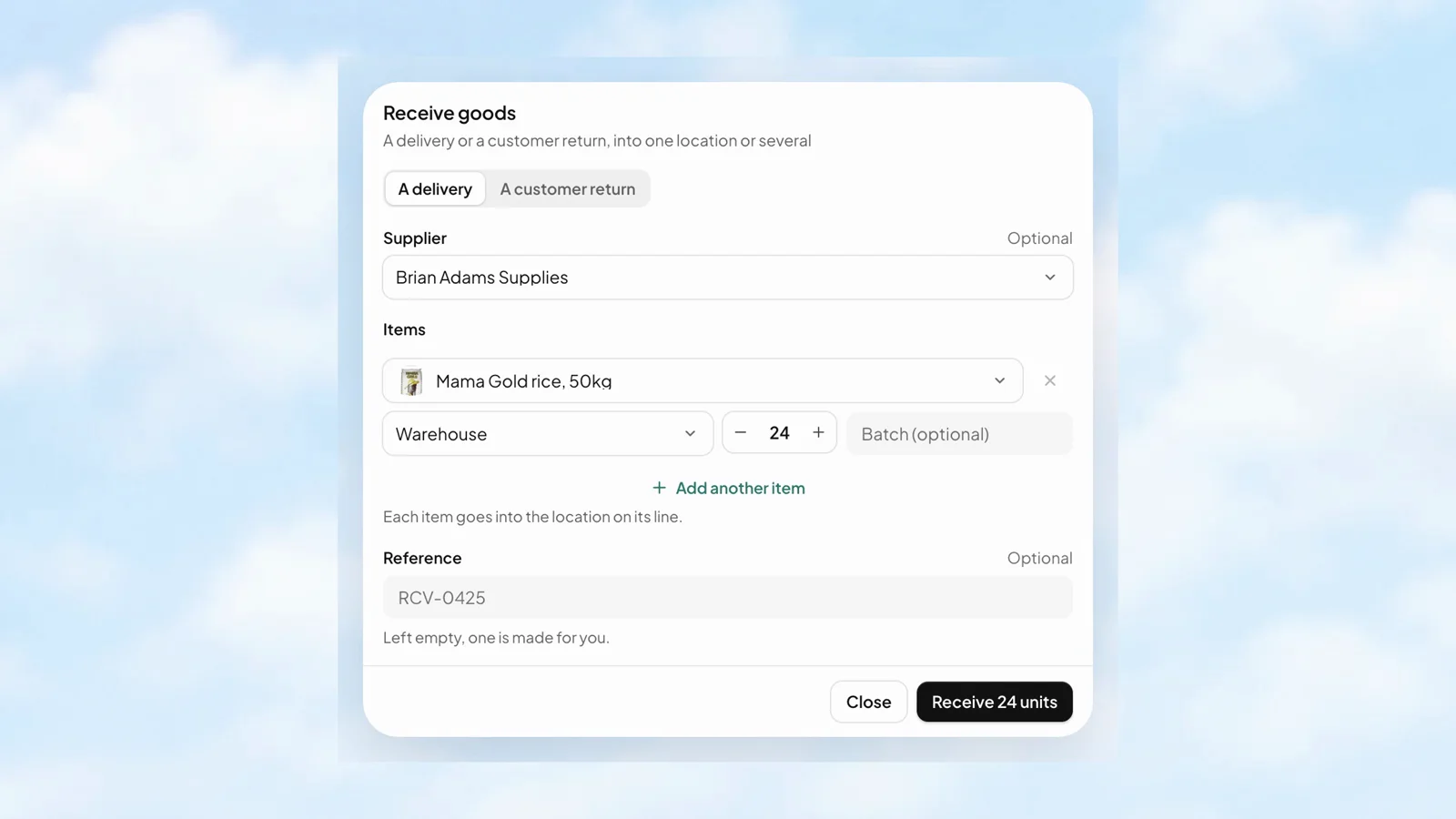
A delivery becomes stock you can see.
Choose the item, the location, and the quantity that arrived. Keep the supplier and reference alongside the movement.
Explore receiving goodsOpen a store with Sites, send an invoice, or manage sales and customers in Central. Add stock, POS and team tools as you grow, in the same Stohb workspace.
Use one on its own, or connect more as you grow.
Keep the same workspace as your needs change.
Start on your own. Invite people when you’re ready.


Start with sales, customers, items and expenses in one place. Connect more Stohb apps when you need them.

Send a straightforward invoice. Use reminders and part payments when they help with the follow-up.

Keep stock in order in one shop or several. Receive goods, transfer items and see what needs attention.

Sell at the counter on your own or with a team. Take payment and give every sale a receipt.

Choose a template, add products and share a store link. Let customers browse and pay on your page.

Start with the apps and plans you need. Add tools, people and app access as your business grows.
Choose a template, add products and share your store link on Instagram, WhatsApp or anywhere you sell. Customers can browse and pay on your page. Start with Sites, then connect more Stohb tools in the same workspace when you need them.
Stohb Sites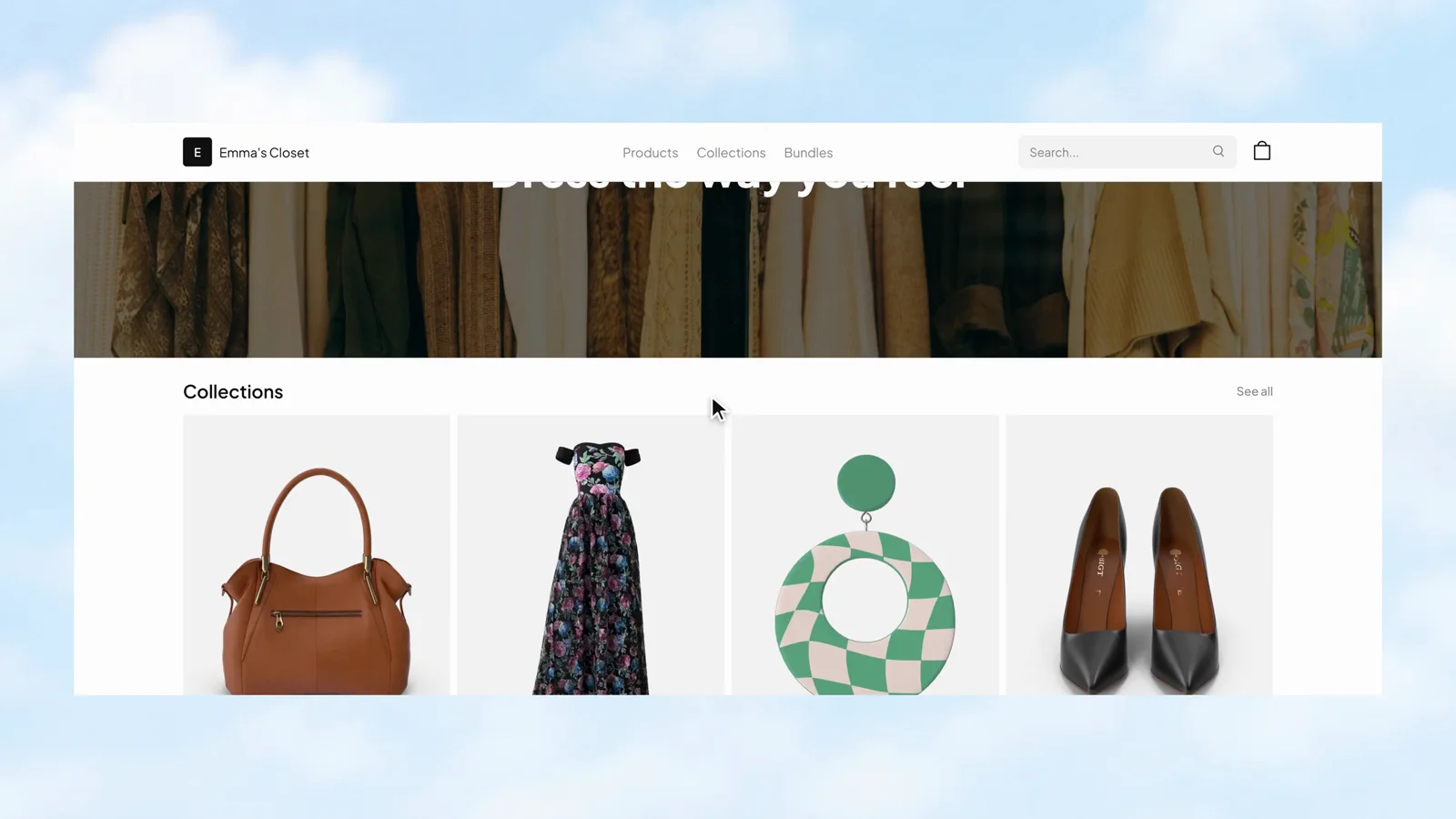
Put your customer, line items, quantities, and prices into a proper invoice. Review the total and send a clear record of the work, instead of piecing it together in a message thread.
Stohb Invoice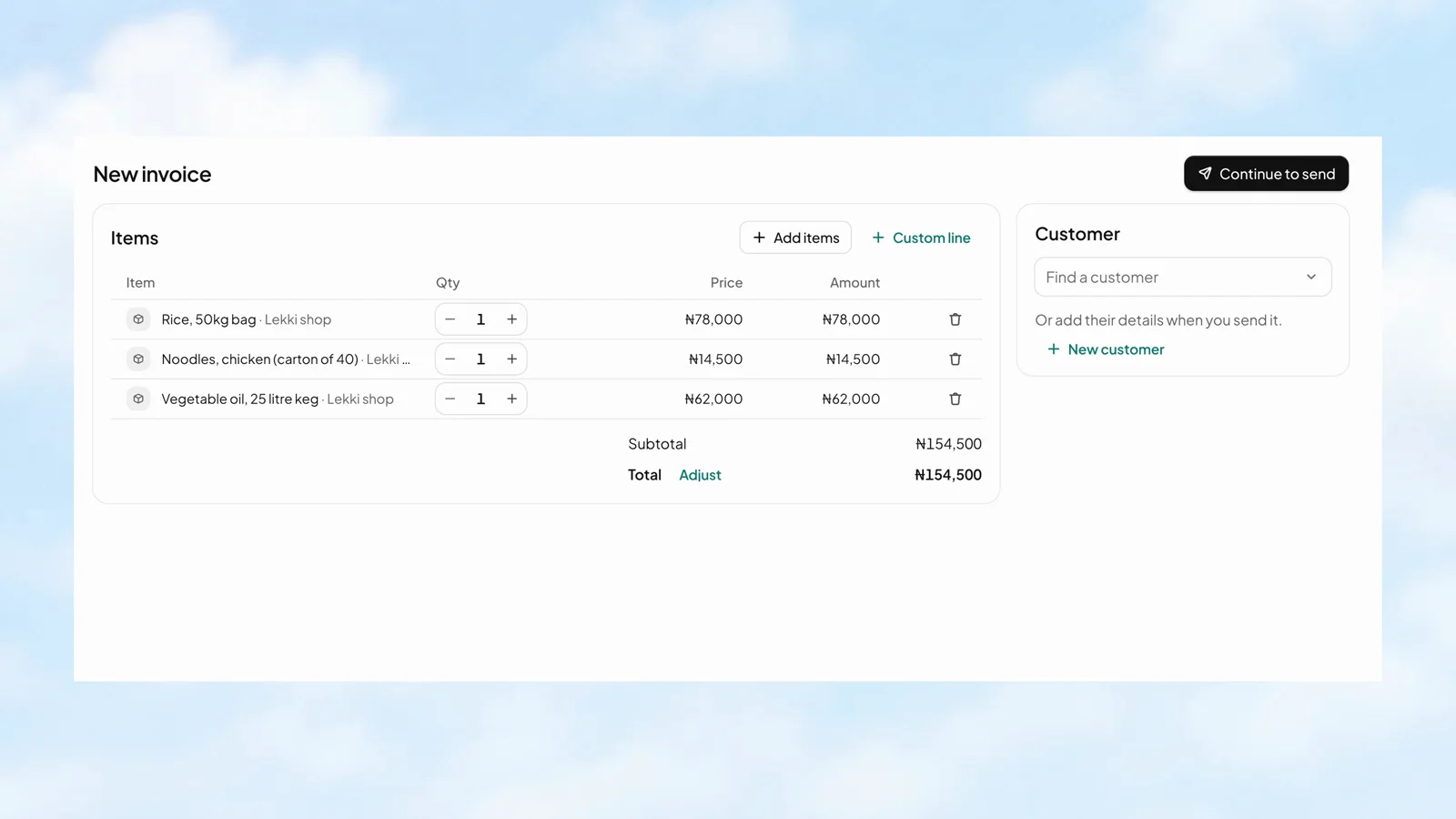
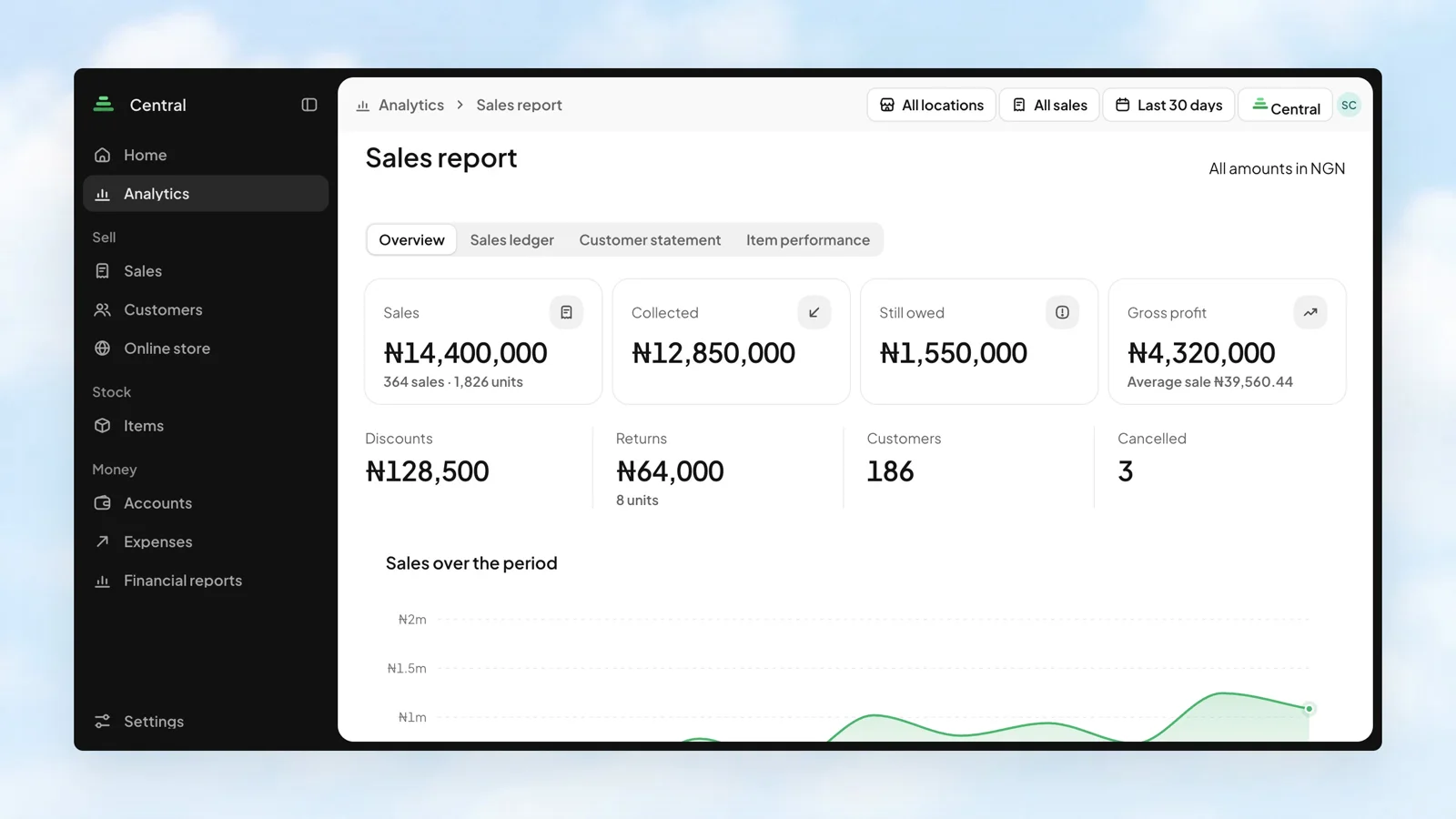
Sales tell one part of the story. Money collected, balances still owed, and gross profit tell the rest. Bring them together in the Sales report, then look at the channels and customers behind the numbers.
Stohb CentralFind the item by name or barcode, choose its variant, and add the quantity. The catalogue keeps product photos and prices close to hand, while the cart gives the cashier a clear view of the sale.
Stohb POS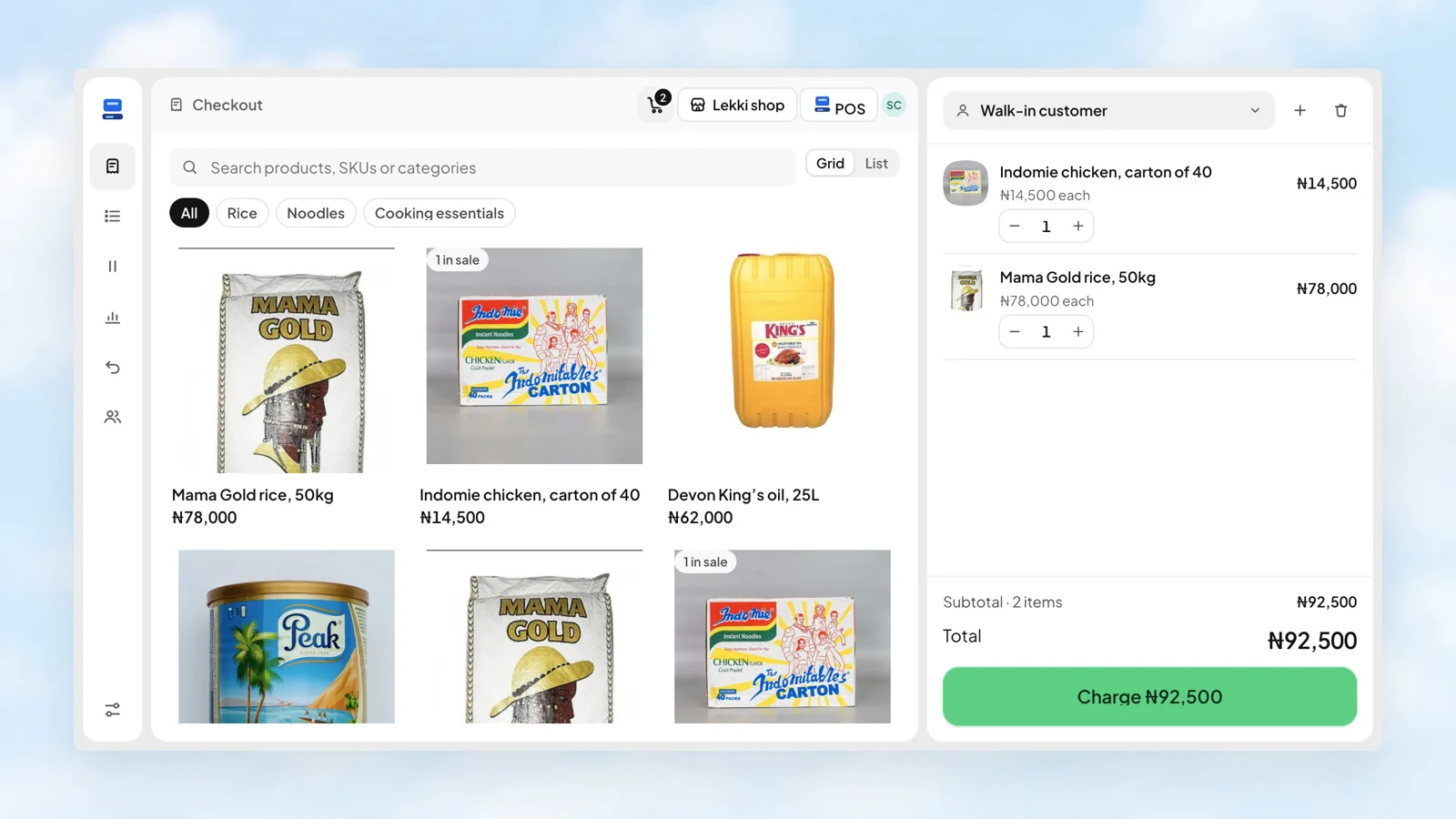
An overview puts units on hand, items needing attention, goods received, and units sold in one place. See the recent movements, then go straight to the work that needs doing.
Stohb Inventory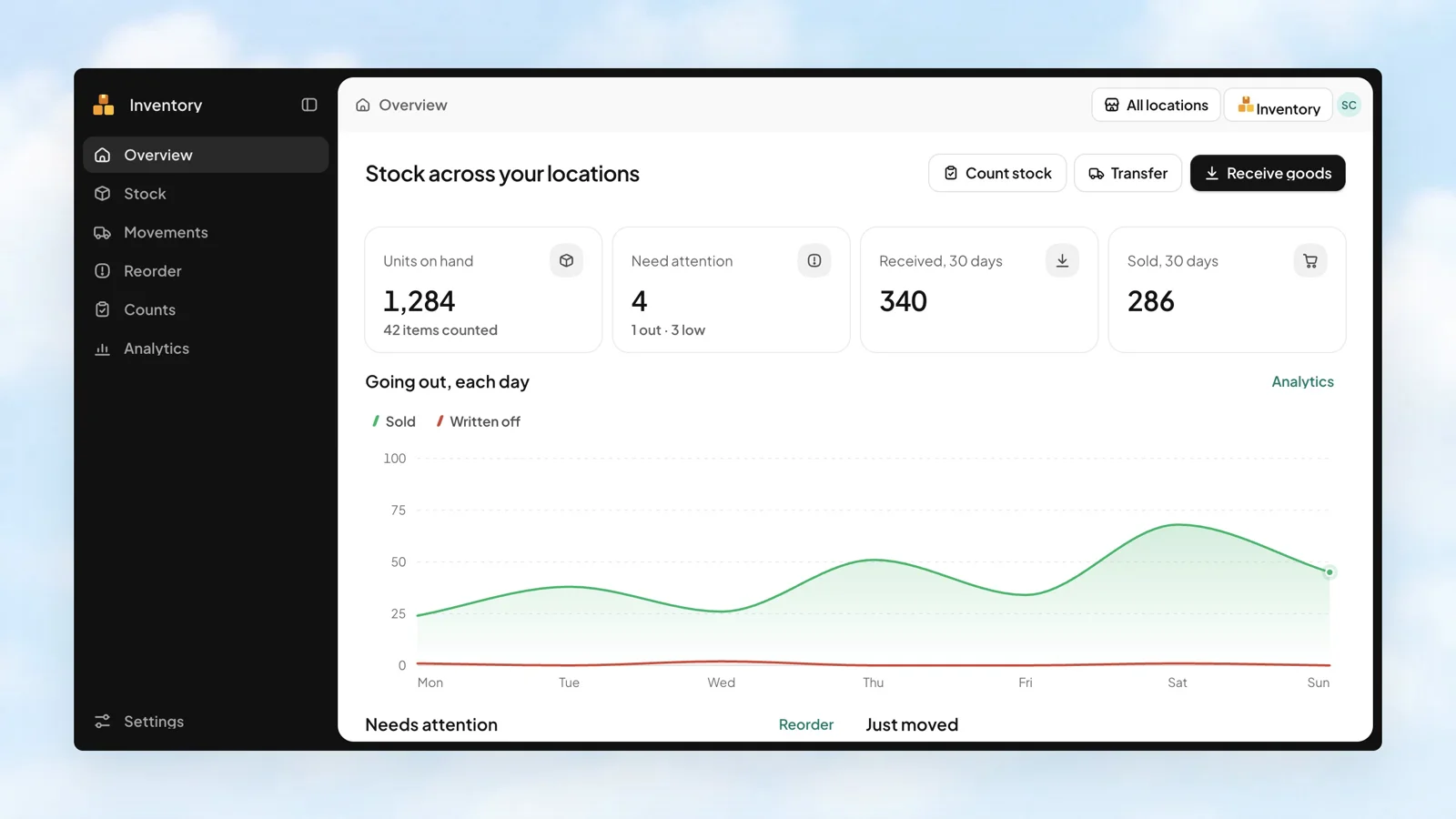
Your workspace can start with just you. As more people join, choose the apps each person can open. Keep the same business setup while the team grows, with more detailed permissions managed inside each app.
Stohb Workspace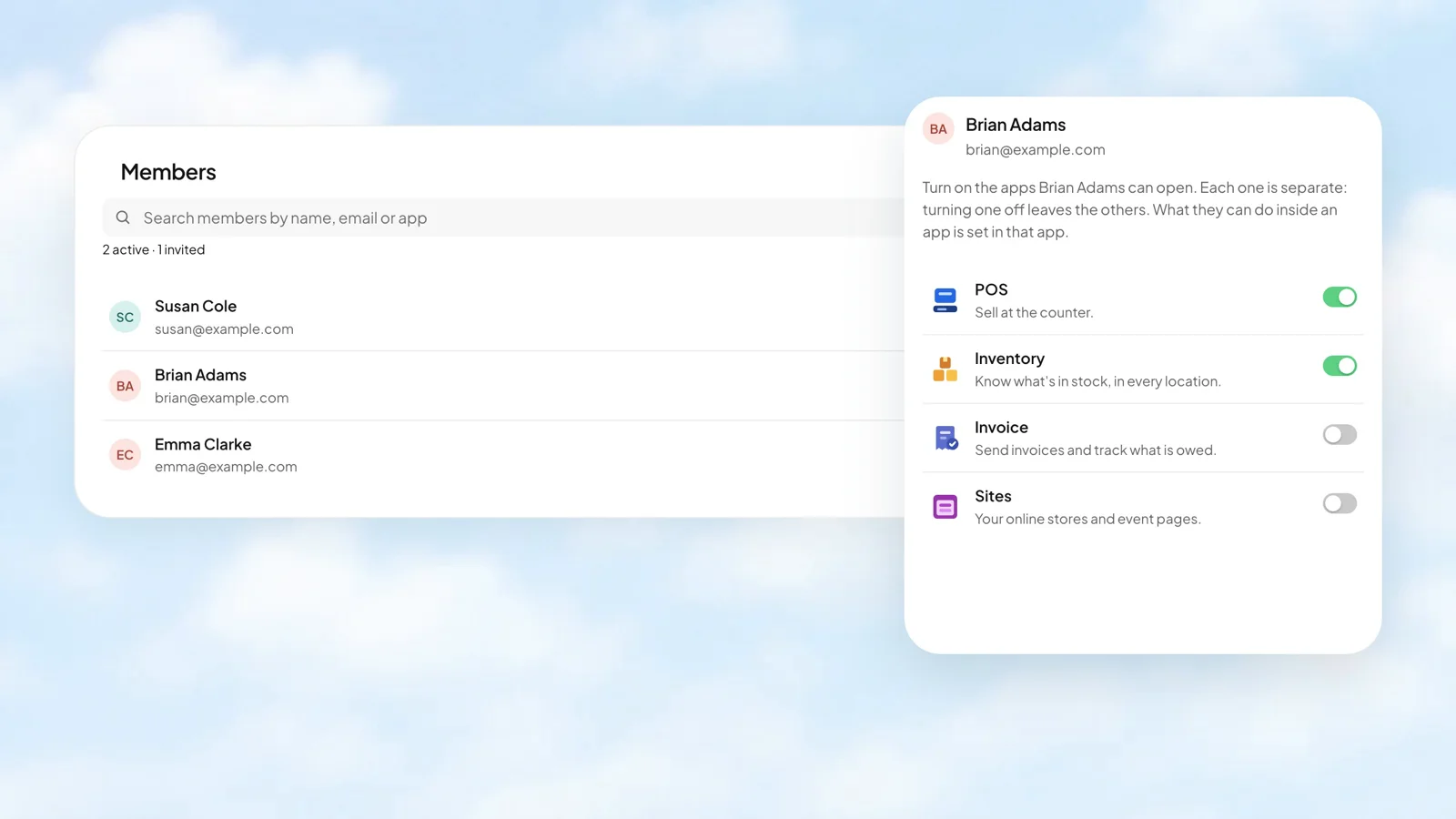
Choose the item, the location, and the quantity that arrived. Keep the supplier and reference alongside the movement.
Explore receiving goods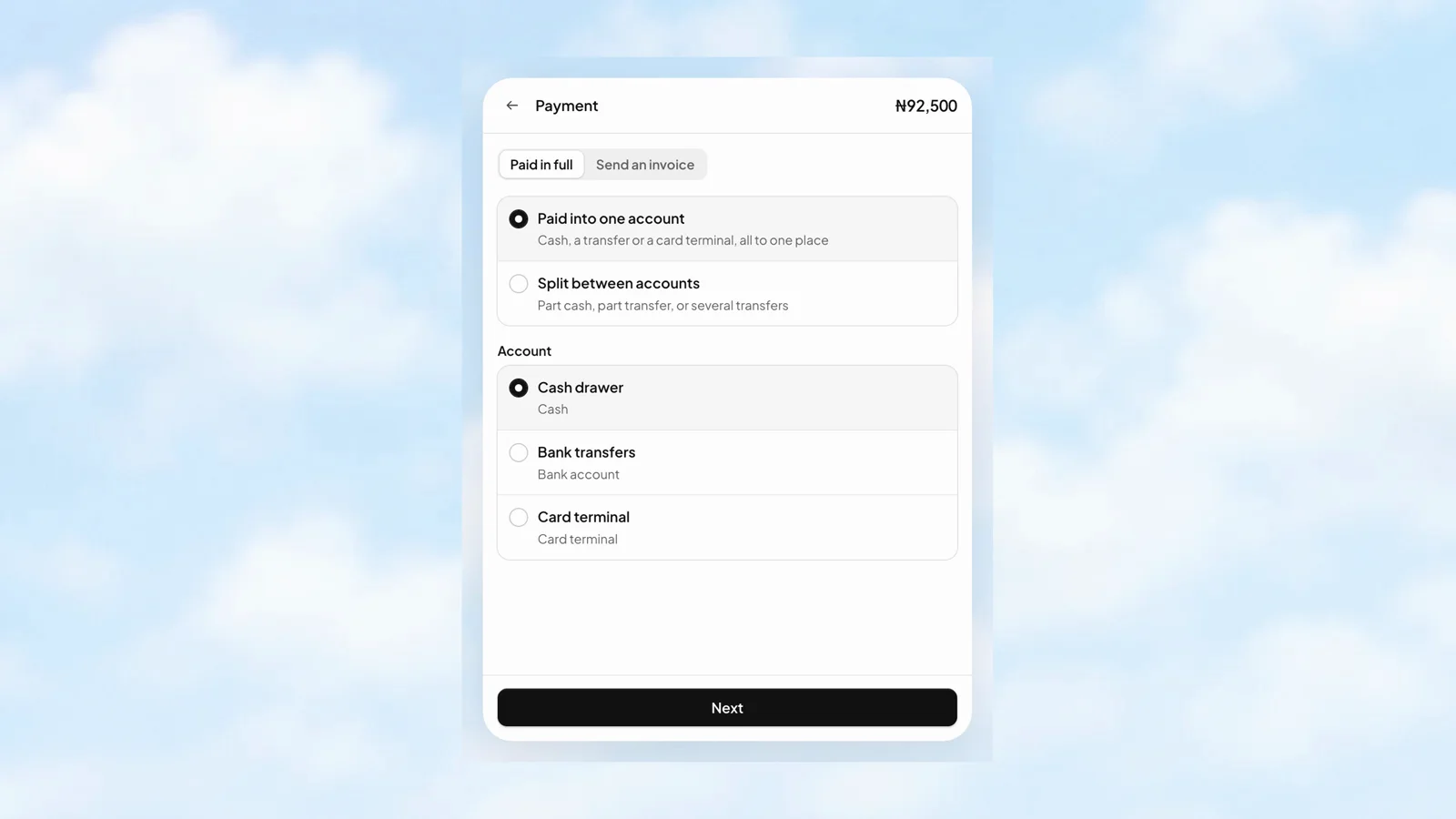
Cash and bank transfer on the same sale? Split the amounts between accounts and keep each part with the checkout.
Explore payments
Start with a counter sale in POS or a store link in Sites. Add Inventory for stock and Central for a wider business view when you need them. Keep the work in the same workspace.
Explore retailOne catalogue as your business grows. A focused view for you today, with room for the people who join you later.
Running more than one location?
Send your first client invoice or keep a busy service team in order. Start with billing, then add reminders, business reports and access for the people who work with you.
Explore service teamsProfessional invoices, scheduled reminders, part-payment records, and a view of what is still owed.
Working for yourself?Stohb is business software for solo owners, online sellers and growing teams. Start with Sites for a store link, Invoice for billing, or Central for everyday sales, customers, items and expenses. Add stock management, POS, reporting, people and locations as you need them in the same workspace.
Yes. Use Sites for a store link, Invoice for straightforward billing, or Central for everyday sales, customers, items and expenses. Start with the app that helps you today. More apps, people and locations can follow as your business grows.
You can use one app on its own or several together. Choose the app and plan you need in Workspace, and add more when they become useful. You do not need to set up the whole suite to send an invoice or run an online store.
Yes. Keep the same Stohb workspace as you add stock management, POS, reporting, more locations or more people. The apps share your business catalogue and sales records, so you can build on the setup you already use.
Pricing depends on the apps and plans you choose. You can start with free Invoice, within its item, customer and payment-term limits. Sites and other paid features have their own plans. Review current plans in Workspace; you do not have to subscribe to every app to use one.
One Stohb account works across the apps you use. Start with one tool, then open more in the same workspace when you need them.
Yes. Invite members in Workspace and choose the apps each person can open. Use the location and permission settings in each app to match the work they do.
Yes. Import items from a spreadsheet into the shared catalogue. Inventory also supports importing item pictures.
Start with one app. Add the tools, people and locations you need as your business grows.
Open an account