A photo can do more
With Spotlights, tag the items in an image so a customer can buy what caught their eye.
 Stohb Sites
Build an online store, an event page, or a link page that feels like your business. Let people discover what you sell and pay right on the page.
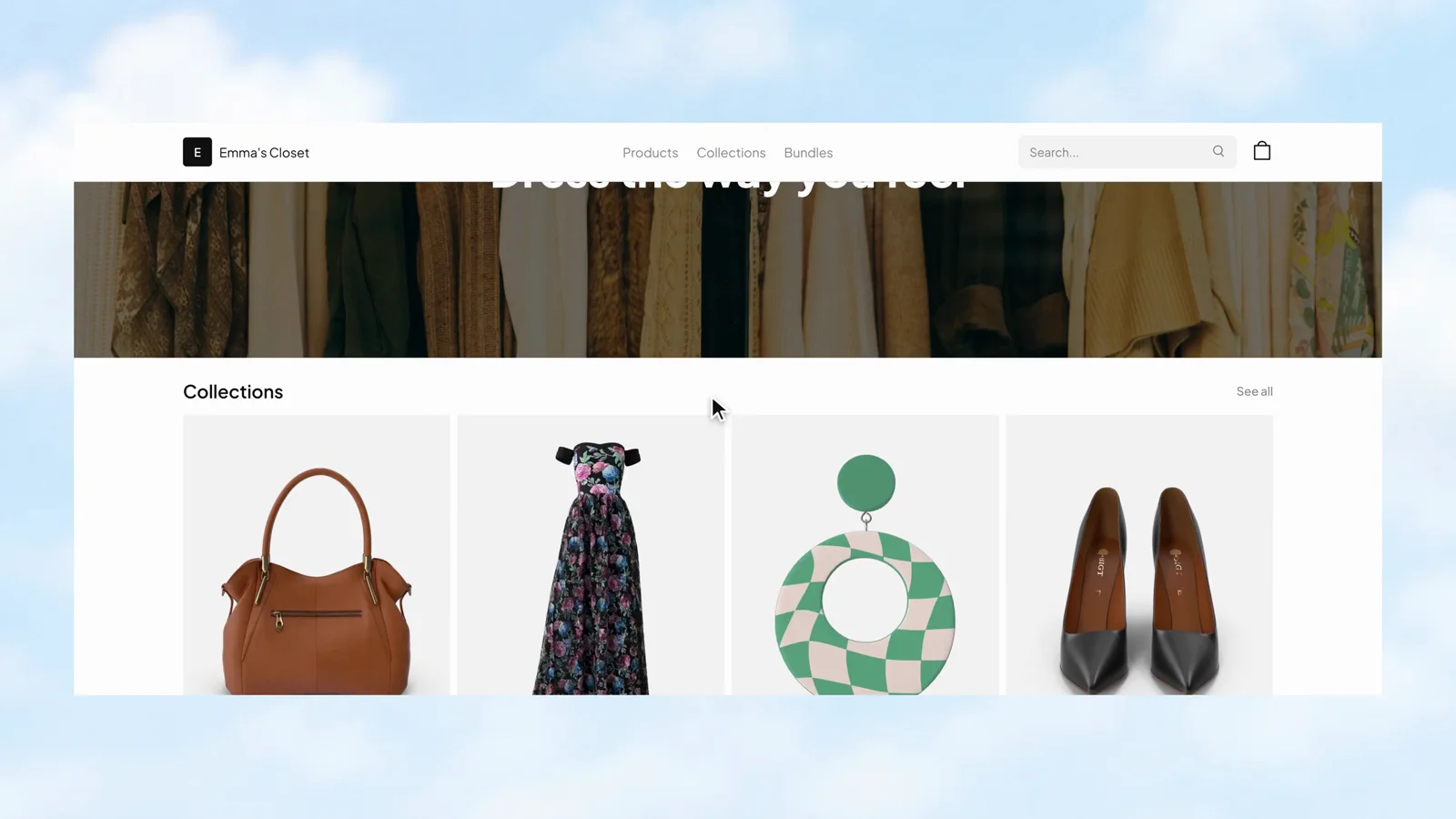
Choose a template that fits.
Give your business its own address.
Let customers pay on the page.
Open the canvas to arrange the storefront. Choose blocks for the header, banner, and collections, then check the page in phone or computer view while you build.
Stohb Sites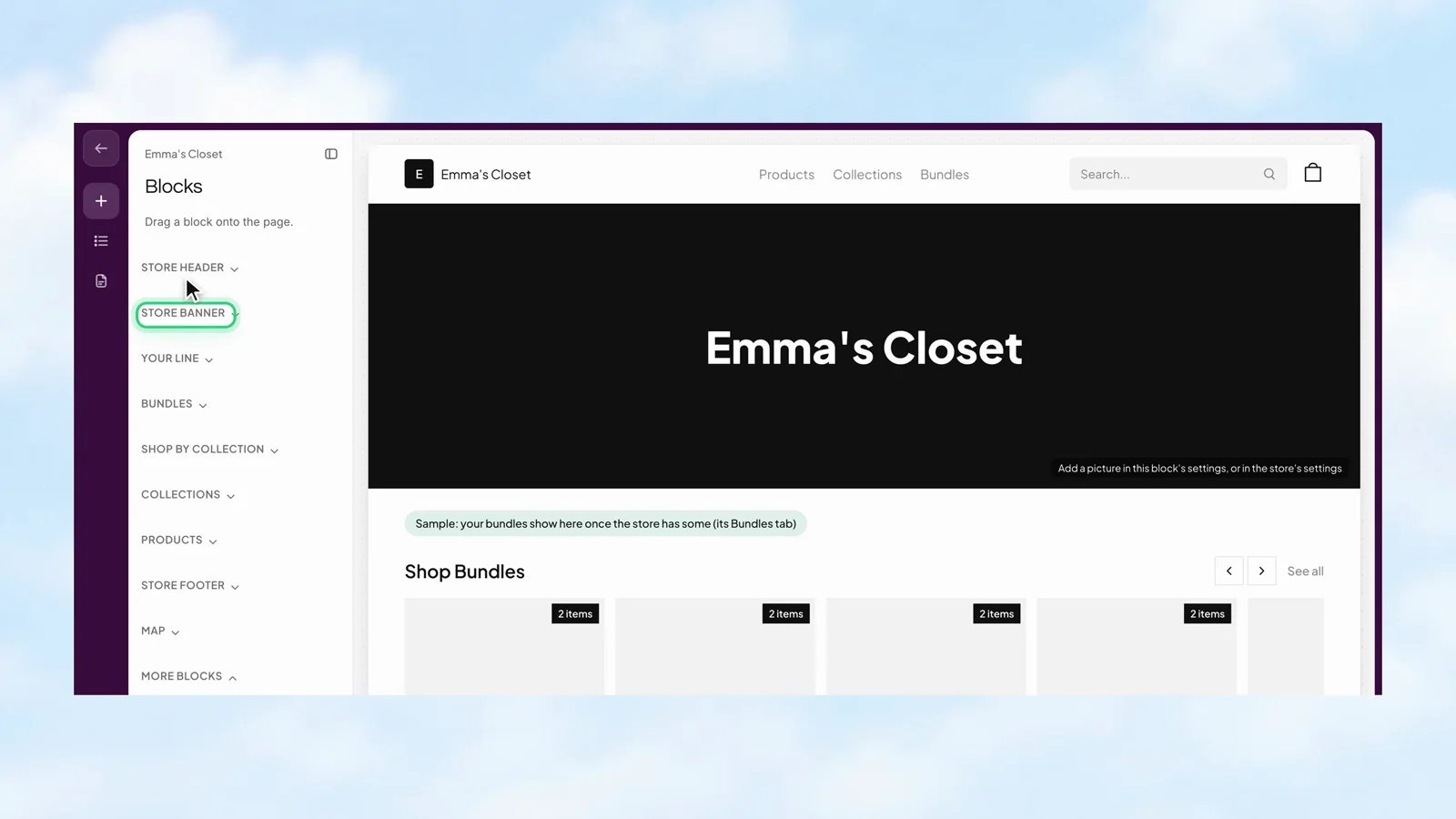
Choose which products appear on the store, organise them into collections, and keep the catalogue useful as the range changes. Customers get a clearer way to find the things they came for.
Stohb Sites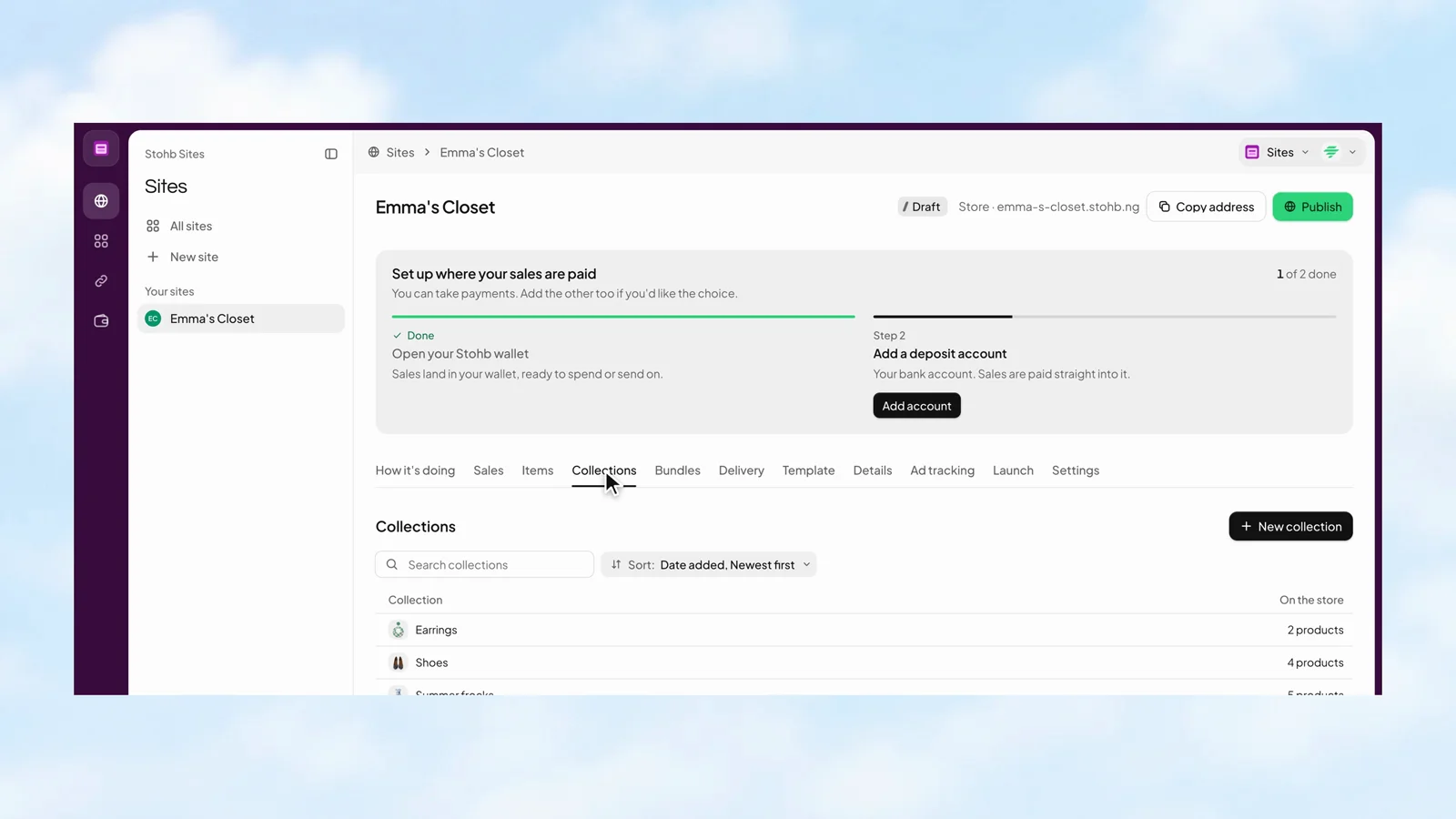
Set up the kinds of tickets you sell, their prices, and their availability. The event has its own ticket view, showing what is on sale, how many have sold, and the revenue so far.
Stohb Sites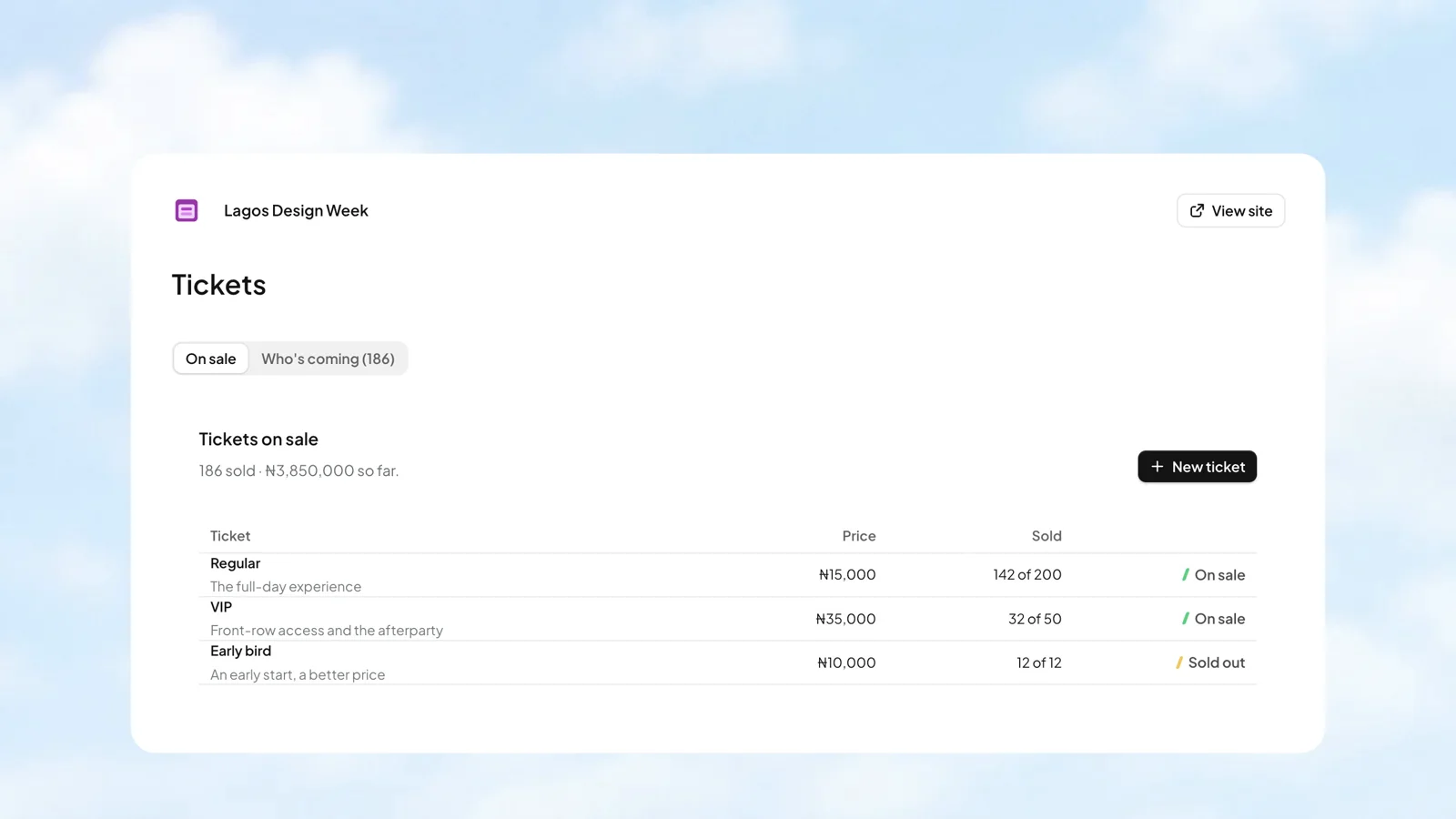
Look up a name, phone number, or ticket code in Who’s coming. Check people in as they arrive and keep the ticket’s status with the attendee, so the team has a useful list to work from.
Stohb Sites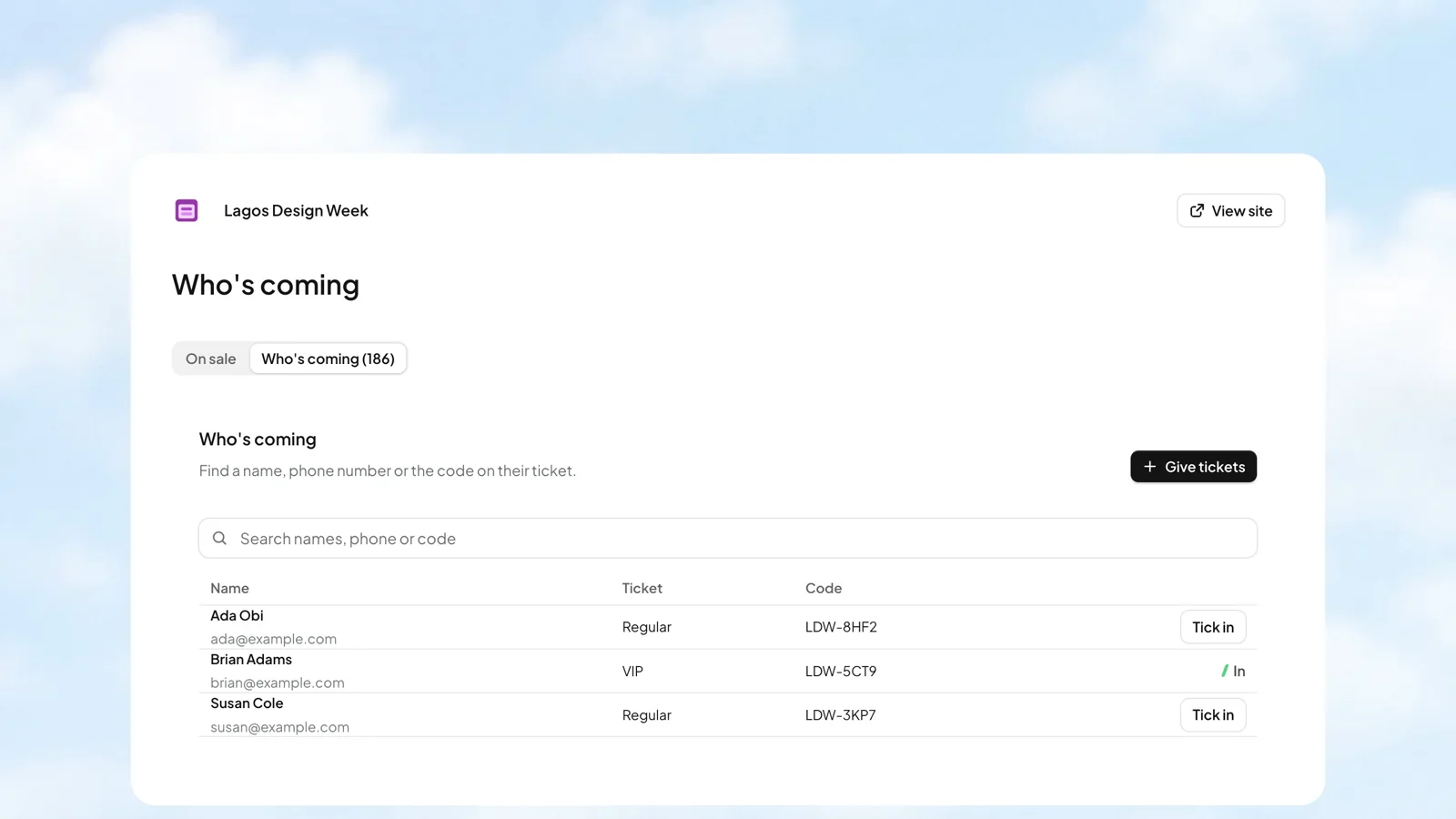
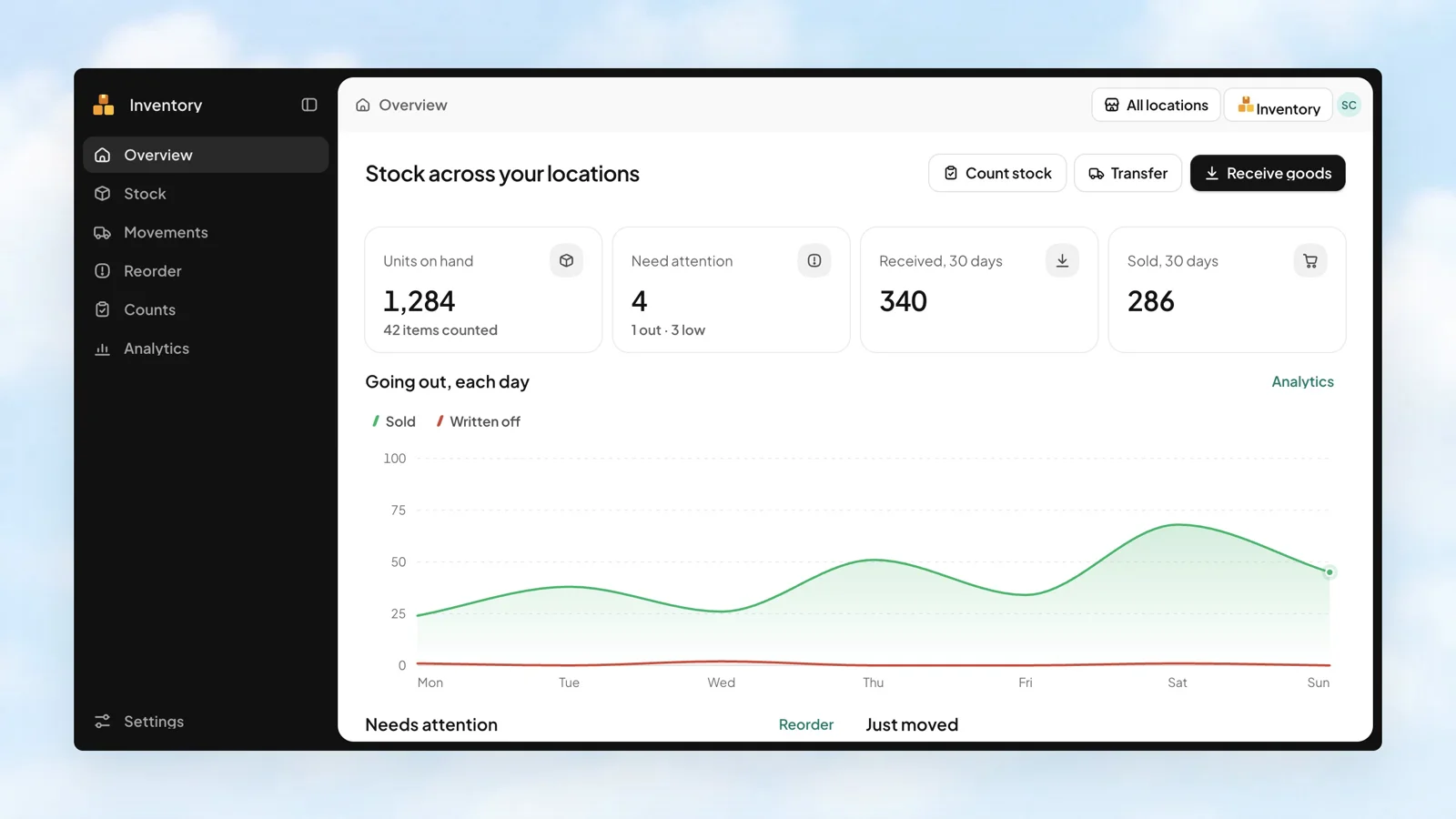
An overview puts units on hand, items needing attention, goods received, and units sold in one place. See the recent movements, then go straight to the work that needs doing.
 Stohb Inventory
With Spotlights, tag the items in an image so a customer can buy what caught their eye.
Sell tickets from an event page. Each buyer receives a PDF with a code for each ticket, delivered by email and WhatsApp.
Use your own domain for a store that people can find again. Domain purchasing is available inside Sites.
You can create online stores, event pages, and link pages using templates. Stores draw from your item catalogue and let buyers pay on the page.
Spotlights are photos with tagged items. Customers can discover and buy products directly from the image.
Yes. Ticket purchases are recorded as sales. Each buyer gets one PDF containing a code per ticket, sent by email and WhatsApp.
Sites is a paid app. You can review the current Sites plan in your Stohb account before subscribing.
Start with the app you need. Make room for what comes next.
Open an account
