A place for every part of your business.
Choose the tool for the job in front of you. Keep it connected to everything else.

Central
See the whole business.

Invoice
Send it. Follow it. Get paid.

Inventory
Know what is where.

POS
Make the next sale simple.

Sites
Give your business a home online.

Workspace
Put the right people in the right apps.
The day was busy. See what it added up to.
Sales tell one part of the story. Money collected, balances still owed, and gross profit tell the rest. Bring them together in the Sales report, then look at the channels and customers behind the numbers.
- Compare sales from POS, Invoice, Sites, and Central.
- Choose a location, sales source, and reporting period.
- Move from the overview to the ledger, customer statement, or item performance.
Stohb Central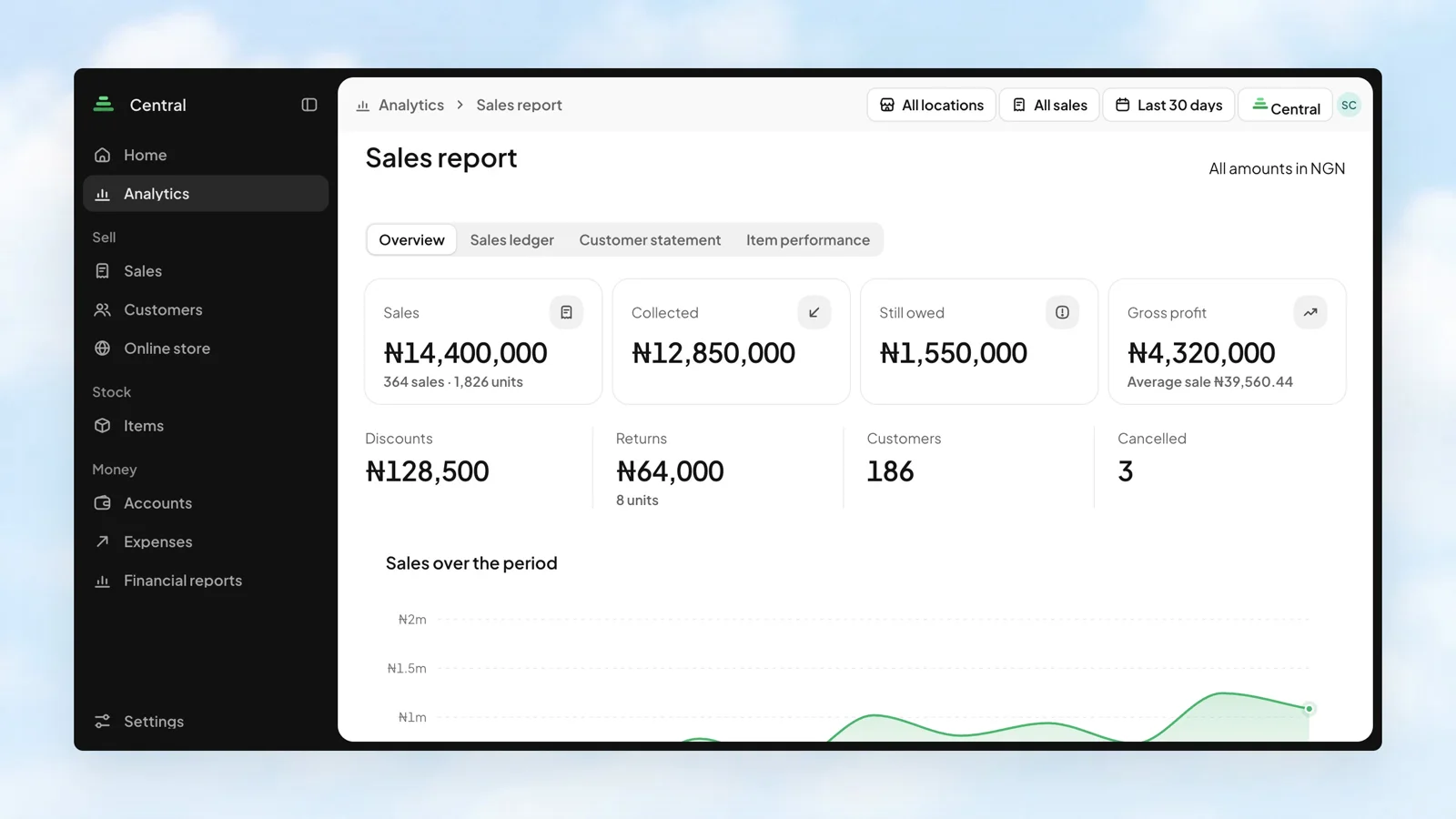
Give each person the apps they need.
A cashier, a stock manager, and the person running your online store do different work. Workspace gives each member a separate switch for each app. The permissions inside an app are managed in that app.
- Turn access to each app on or off separately.
- Keep members and invitations in one business view.
- Give people their own access instead of sharing a sign-in.
Stohb Workspace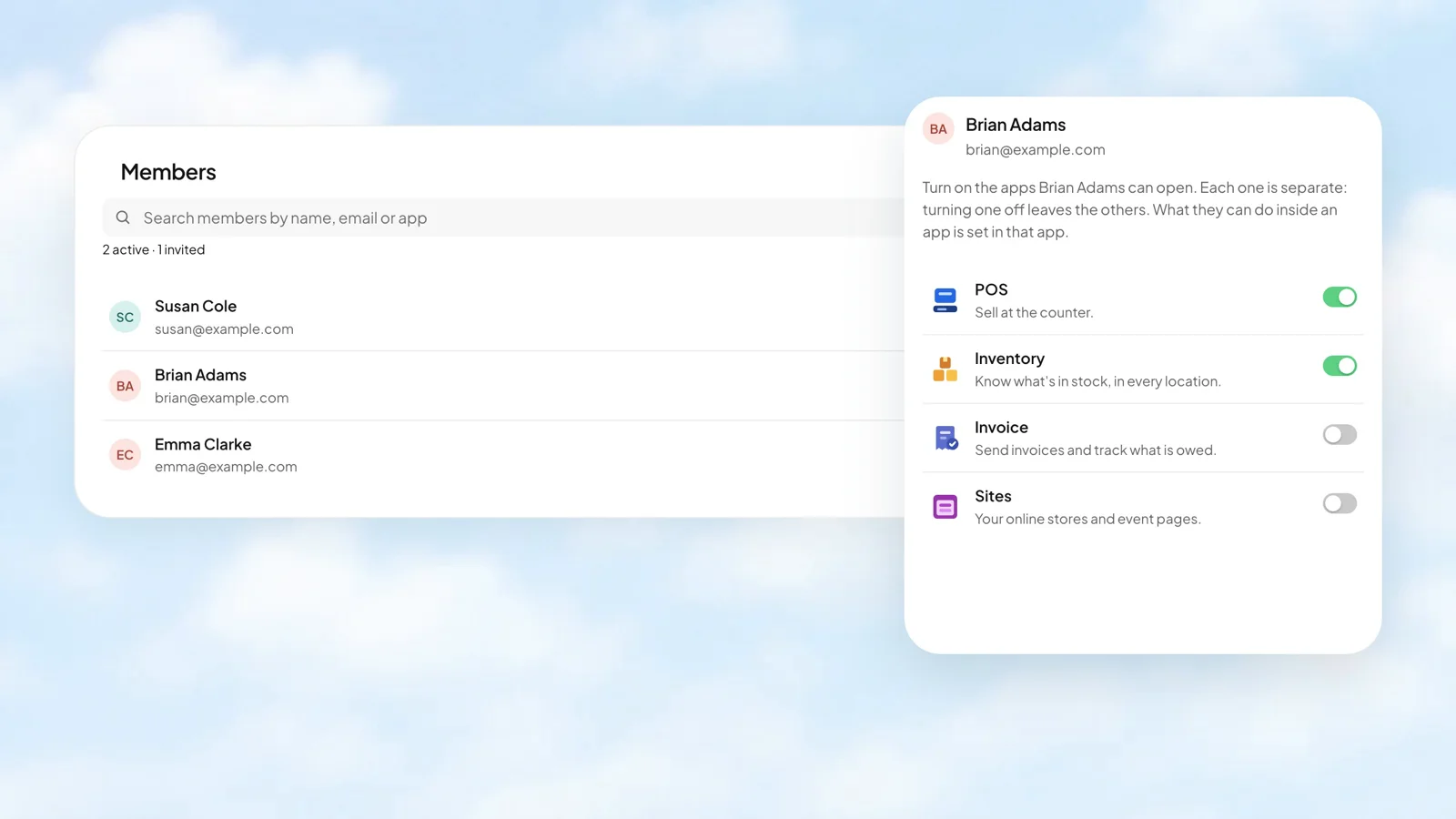
Less busywork.
More business.
Start with the app you need. Make room for what comes next.
Open an account