 Stohb for multi-location businesses
More locations. One business in view.
Know what is where, give each team the access they need, and keep the bigger picture close as your business grows.
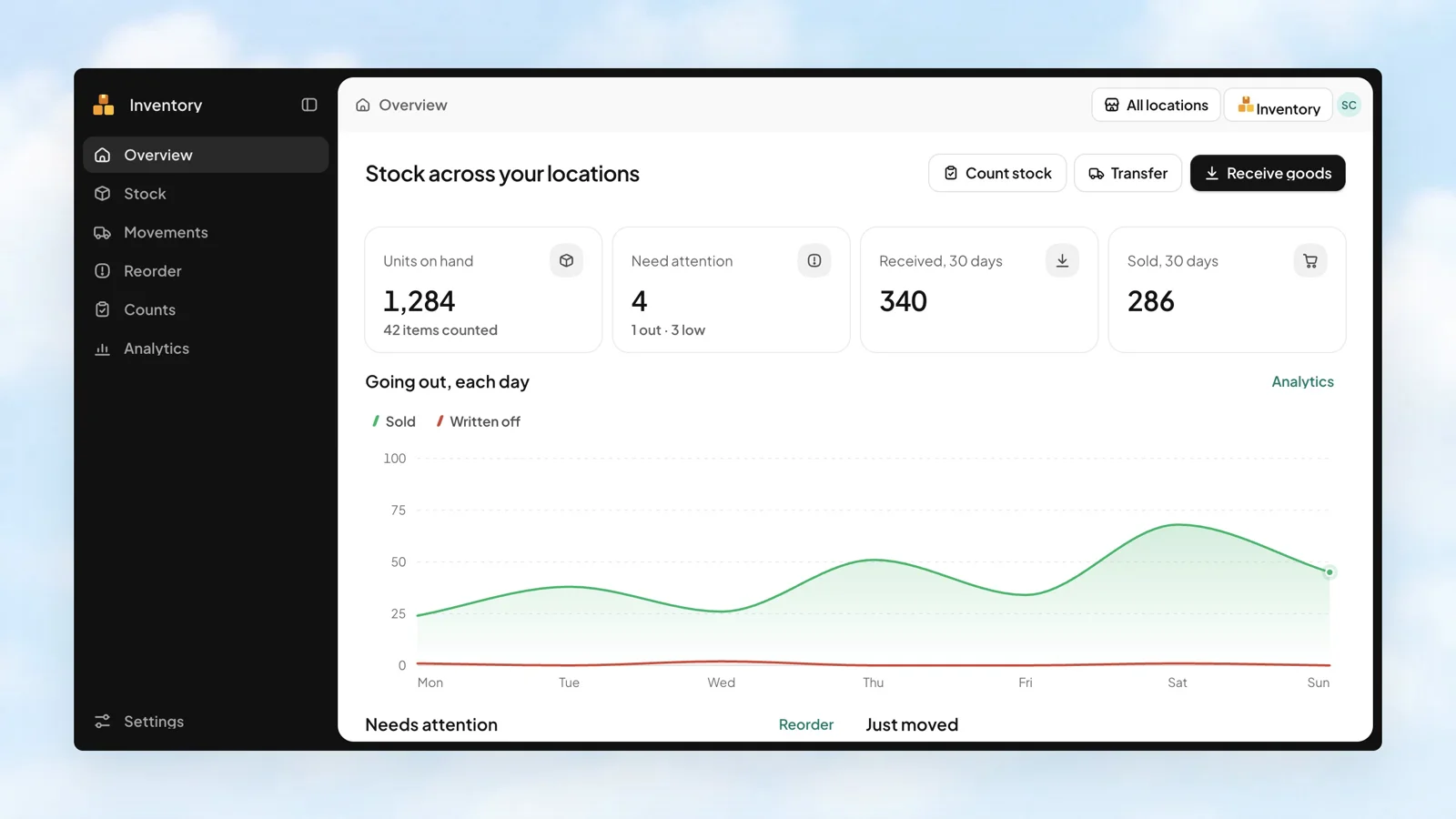
Give stock a clear address
A second location should bring more opportunity, with a clearer way to keep track. Organise stock by location, move it between shops, and use Central to follow the business.
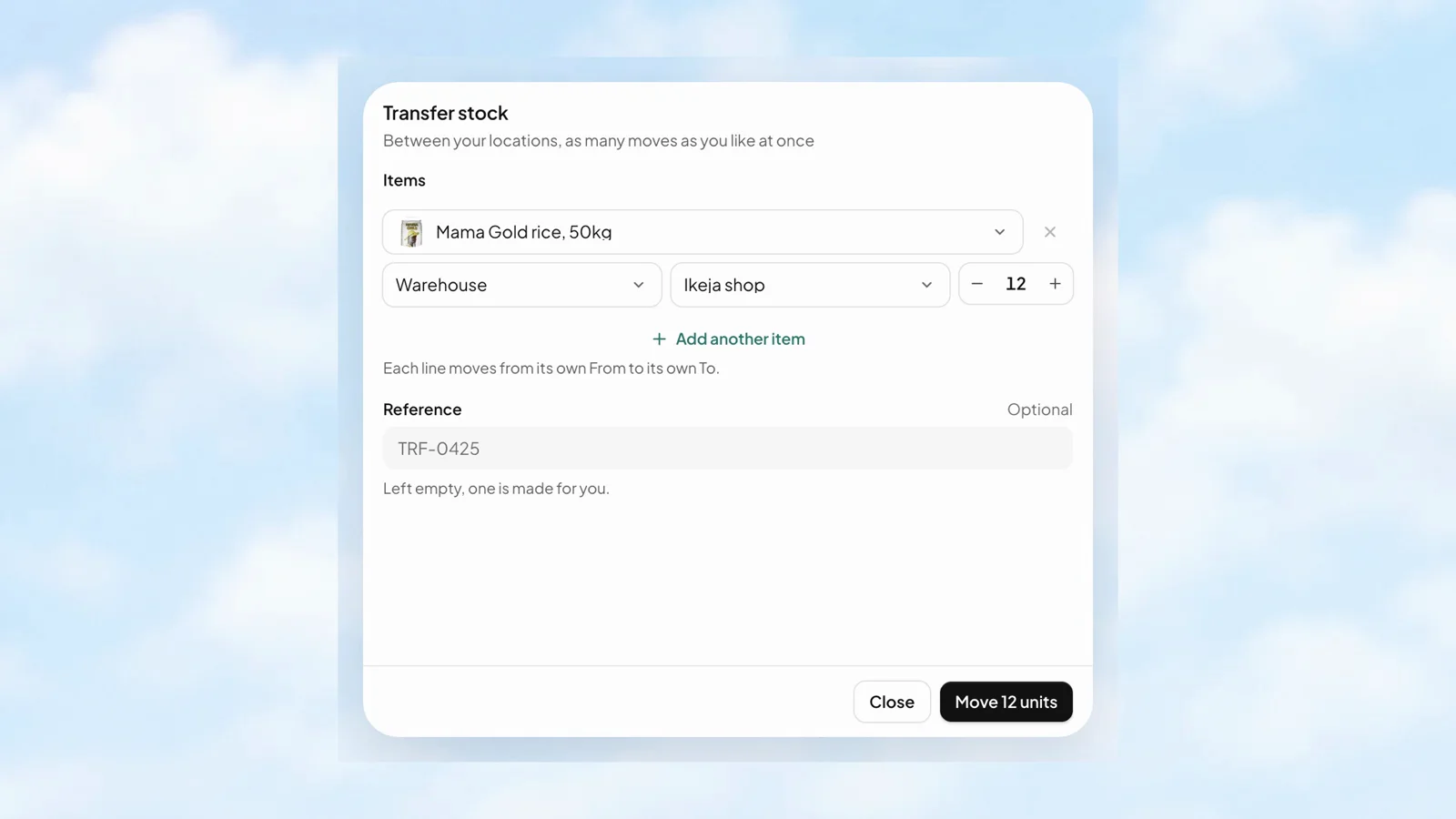
The next branch needs stock. Move it with a record.
Each transfer line has its own From, To, and quantity. Send goods from the warehouse to a shop, or move them between branches, while keeping the movement in the business records.
- Choose the source and destination for each item.
- See the quantity available at the source.
- Keep the transfer reference with the movement.
 Stohb Inventory
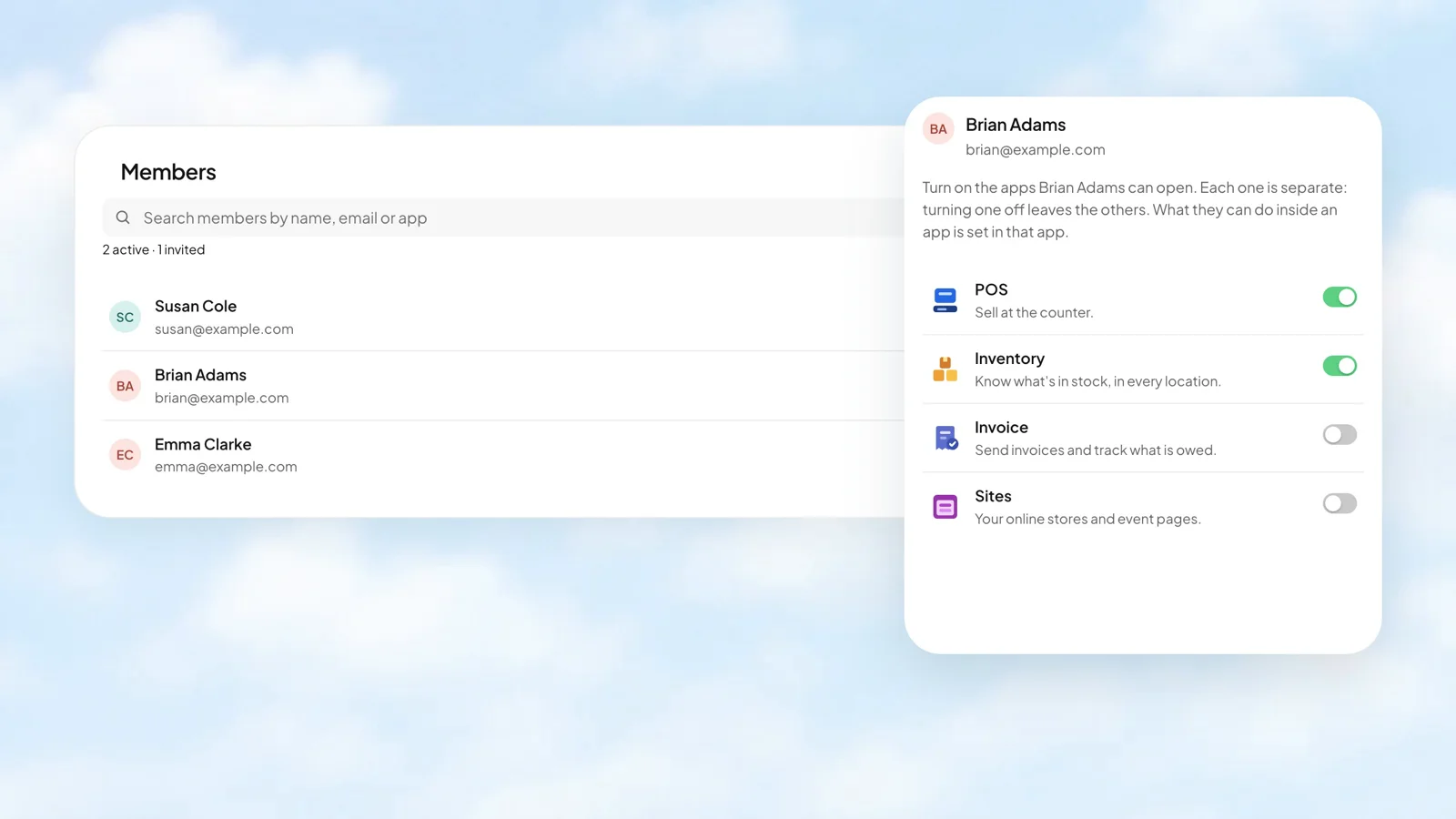
Give each person the apps they need.
A cashier, a stock manager, and the person running your online store do different work. Workspace gives each member a separate switch for each app. The permissions inside an app are managed in that app.
- Turn access to each app on or off separately.
- Keep members and invitations in one business view.
- Give people their own access instead of sharing a sign-in.
 Stohb Workspace
The day was busy. See what it added up to.
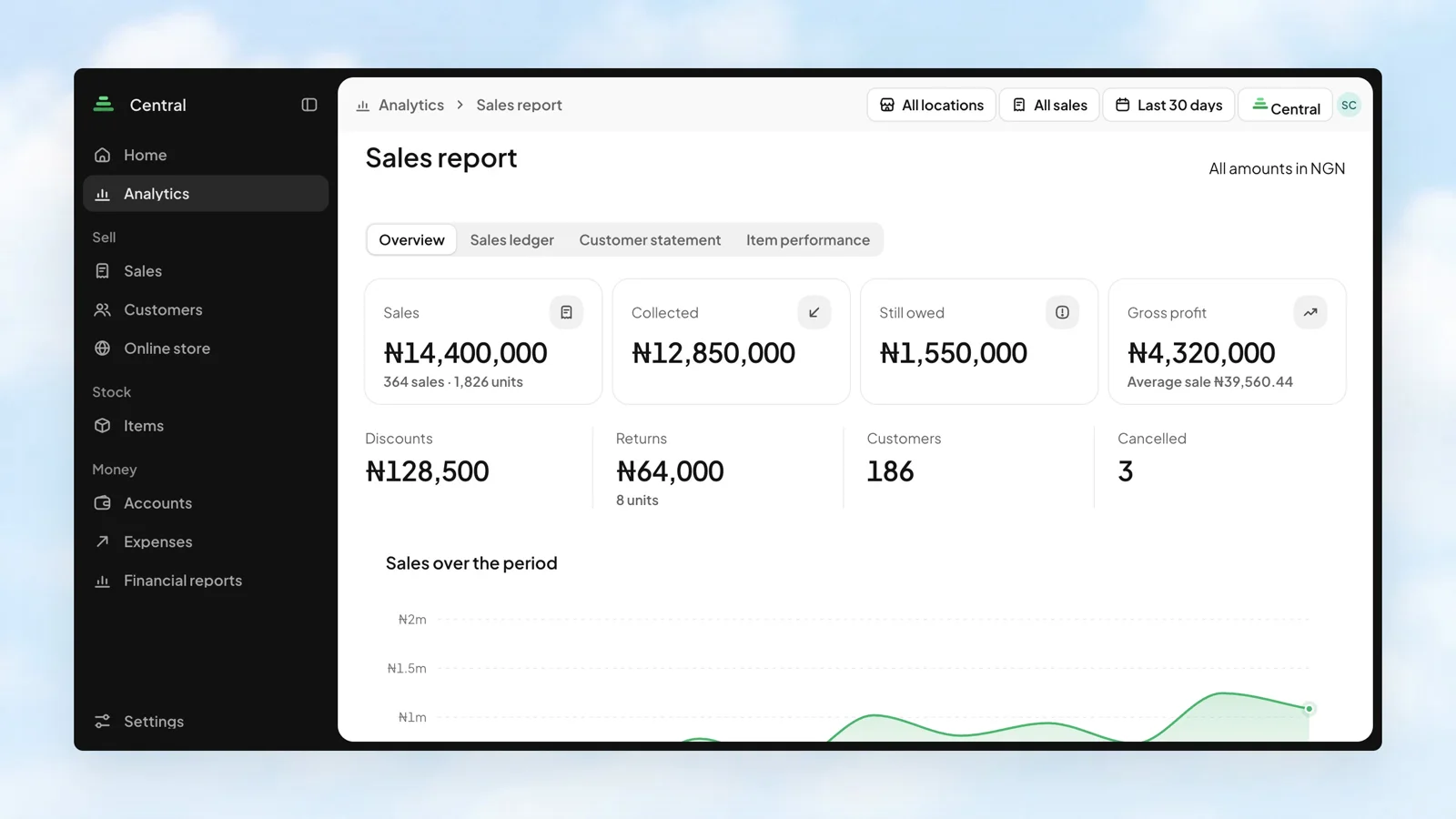
Sales tell one part of the story. Money collected, balances still owed, and gross profit tell the rest. Bring them together in the Sales report, then look at the channels and customers behind the numbers.
- Compare sales from POS, Invoice, Sites, and Central.
- Choose a location, sales source, and reporting period.
- Move from the overview to the ledger, customer statement, or item performance.
 Stohb Central
A second location should add possibility.
Give each branch the stock it needs and each person the tools for their role. A connected stock record makes a movement between locations something you can look up, rather than another message to chase.
- Review stock at each location.
- Transfer goods with a source, destination, and reference.
- Use the location filter when you need a closer view.
Stohb InventoryThe connected tools
behind the work.
 POS
Can each store have its own stock count?
Yes. Inventory tracks stock per location, including item variants.
Can staff be limited to a location?
Yes. Staff work with their assigned locations. Admins see the locations they are allowed to manage.
Can shoppers choose a location online?
Yes. Sites stores follow your locations, so shoppers can choose a location and see its availability.
Less busywork.
More business.
Start with the app you need. Make room for what comes next.
Open an account